Wireless Waterproof Bluetooth FM AM AUX For Boat


Wireless Waterproof Bluetooth FM AM AUX For Boat
SPECIFICATIONS
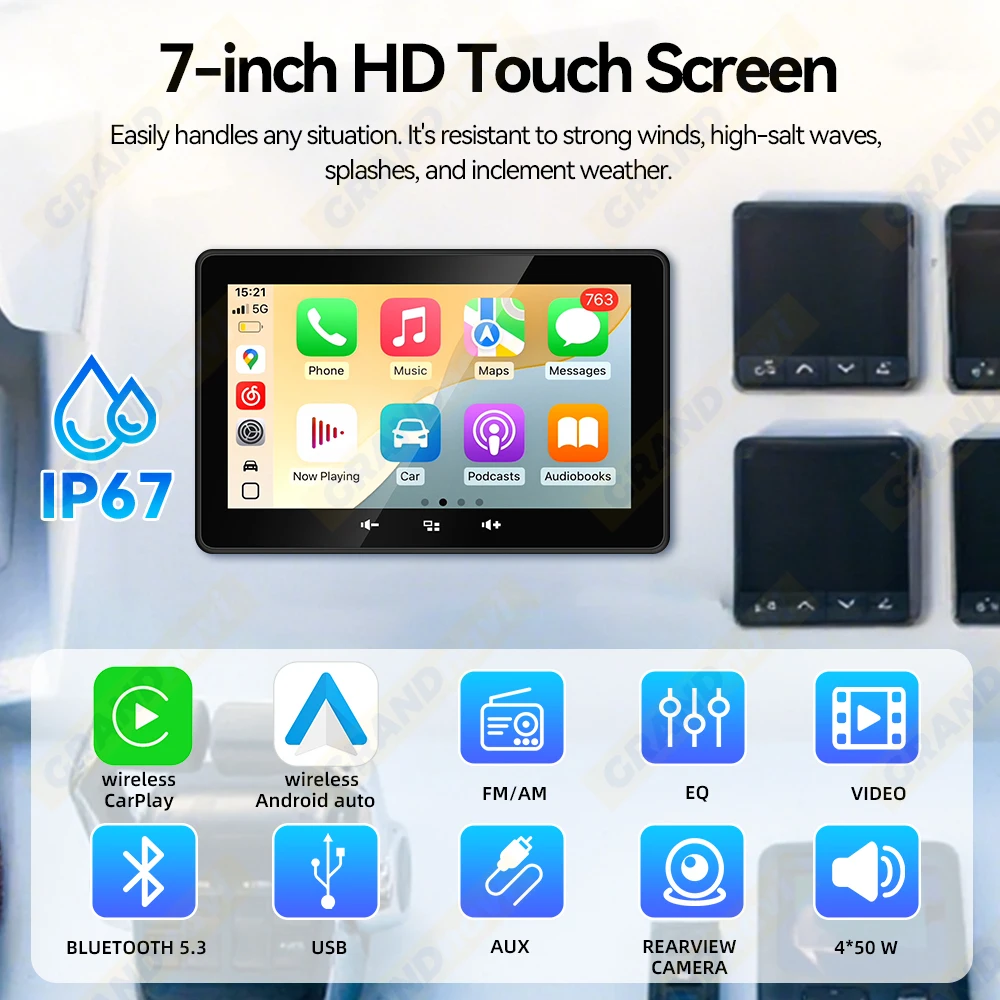
Display Size: 7 Inch
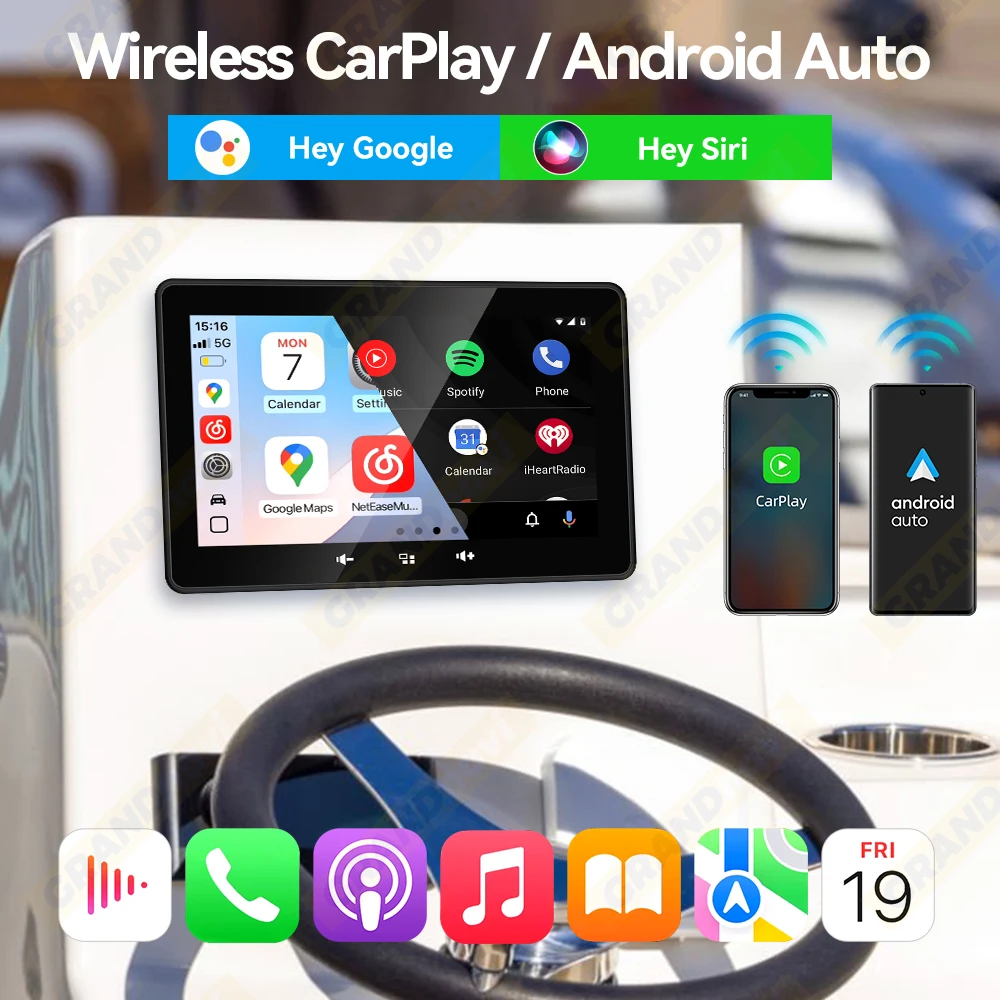
Feature 1: Wireless CarPlay
Feature 2: Wireless Android Auto
Feature 3: Boat MP5 Player
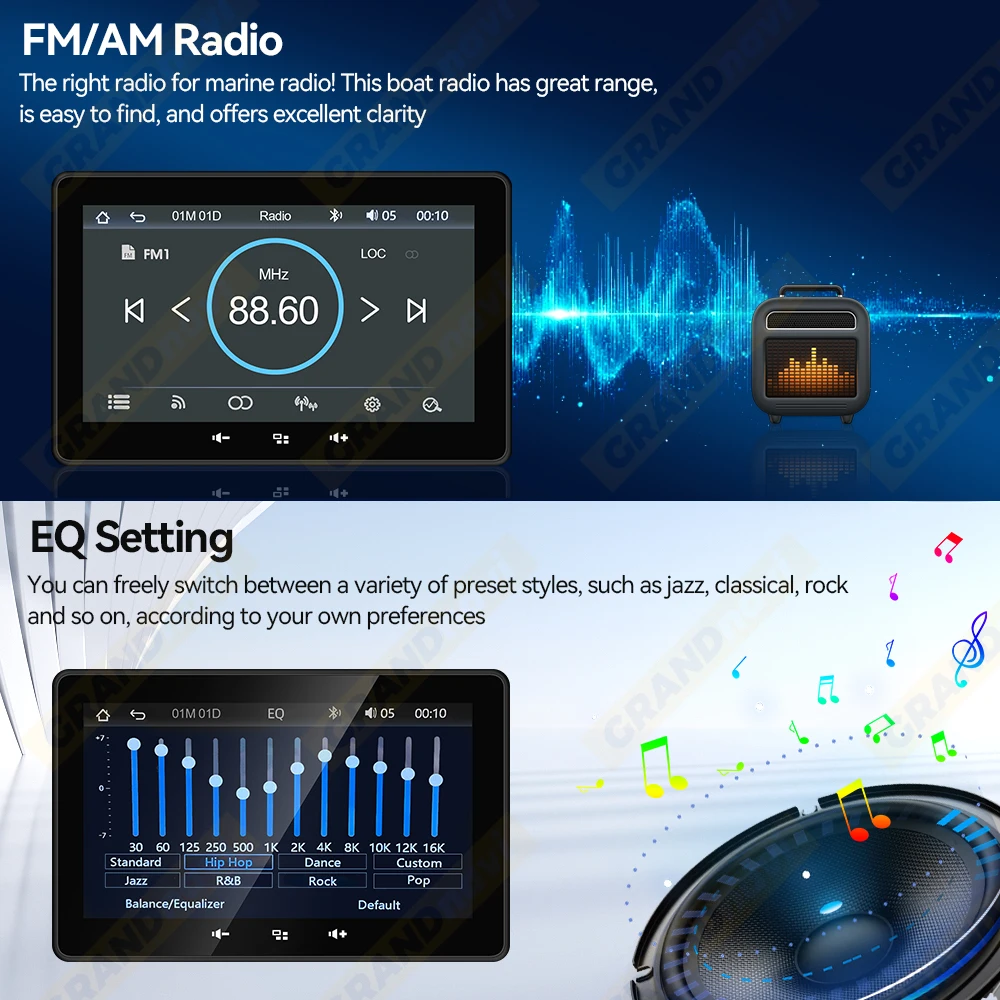
Feature 4: Marine FM Radio
Feature 5: Marine AM Radio
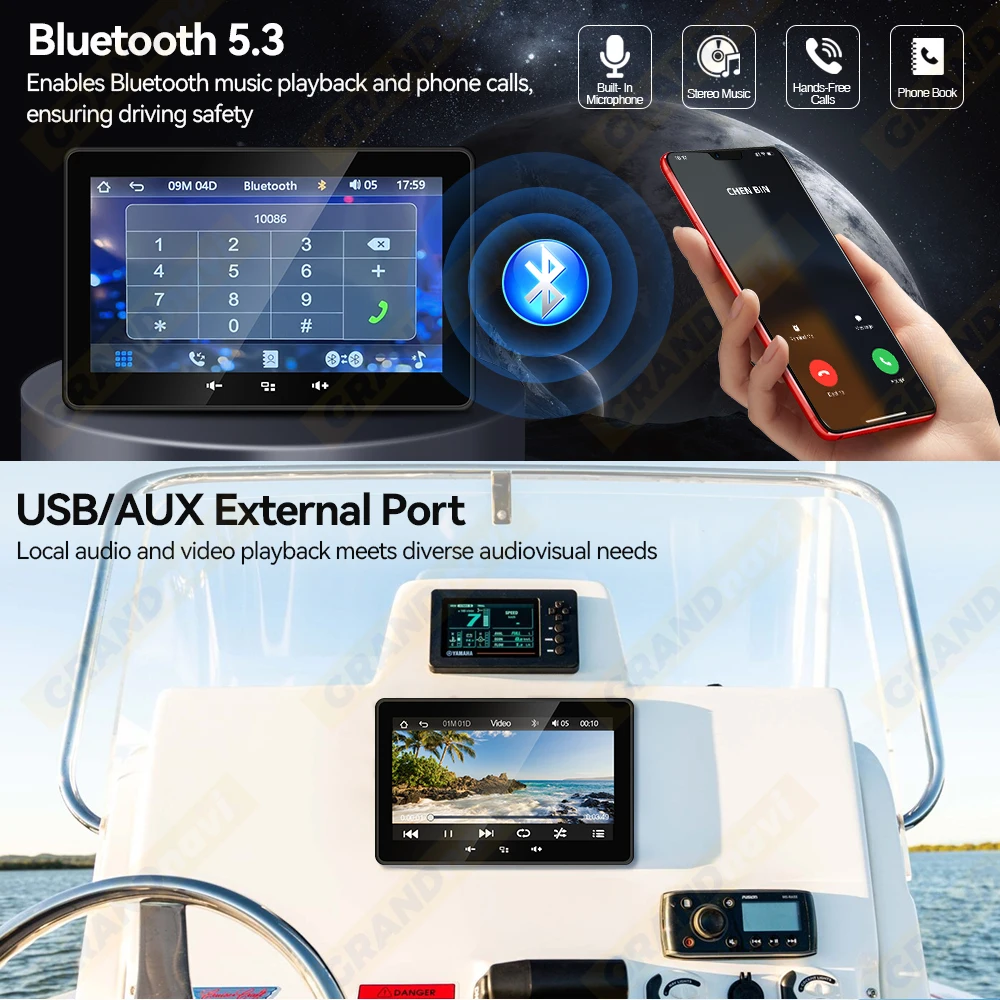
Feature 6: Support Bluetooth
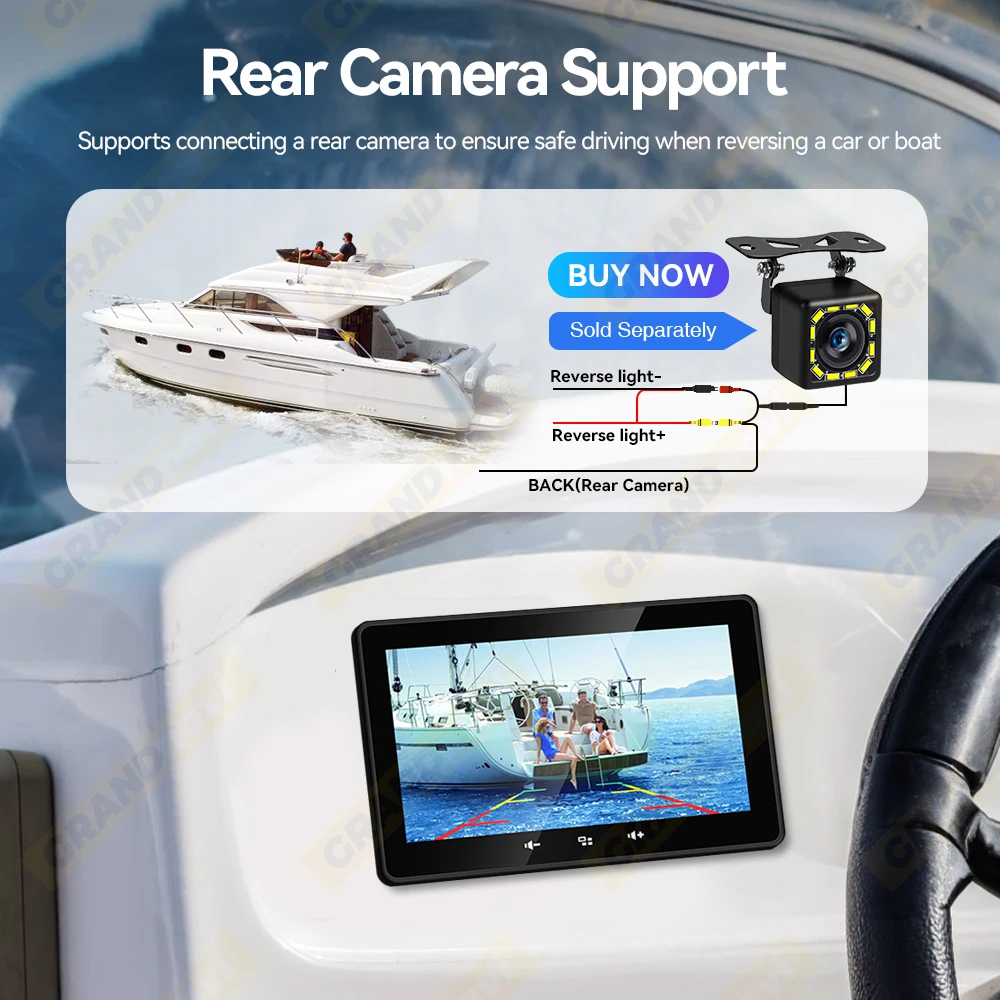
Feature 7: Support AUX/USB,Rear Camera(CVBS480P)
Voltage: 12 V


Product Features:
1.Multiple compatibility, Not only support for any marine, but also the all-terrain vehicle, golf-cart and so on.
2.The most popular CarPlay & Android Auto built in it, use your favorite apps to travel and listen to the online music.
3.Beautiful compact design with 7-inch big screen. Easy to touch and see clearly in any environment.
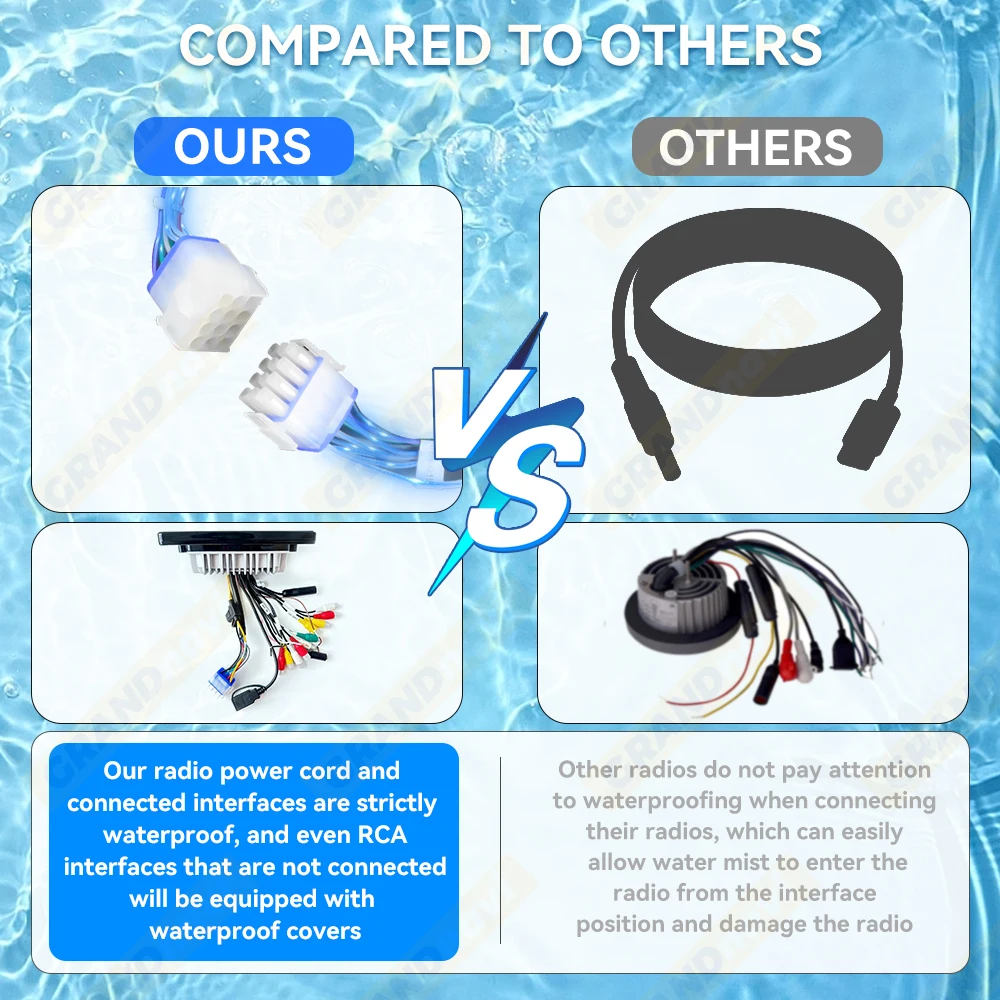
4.IP67 waterproof performance. After strict waterproof level testing, it is not afraid of all kinds of weather conditions.
5.Bluetooth Music Streaming. The head unit supports A2DP wireless streaming audio, Enjoy tons of musical contents on land or out on the water with range of up to 10 Miles stable Bluetooth signal
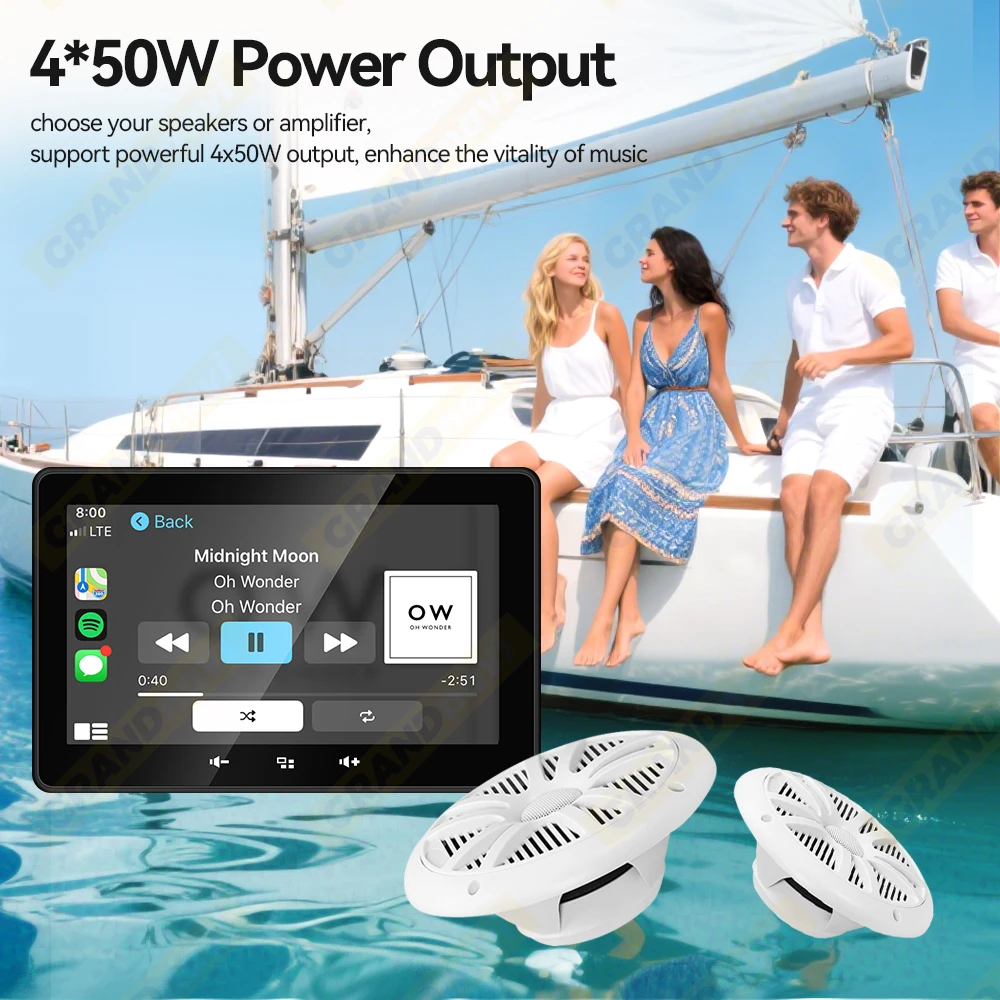
6.4*50 W output. High performance power output, if you want increase, easy to connect to the RCA output port
7.USB Play. The HD big screen makes it very suitable to play the Videos, play your favorite video and enjoy the happy hours on your boat or ATV in the outdoors
7 Inch Marine Multimedia Player IP67 Waterproof Wireless CarPlay &Android auto
It perfects for Boats, Yacht, Motorcycles, Motorbikes, Cars, ATV, UTV, SUV, RV, Golf, Campers, RZR, Harvesters, Truck and more.

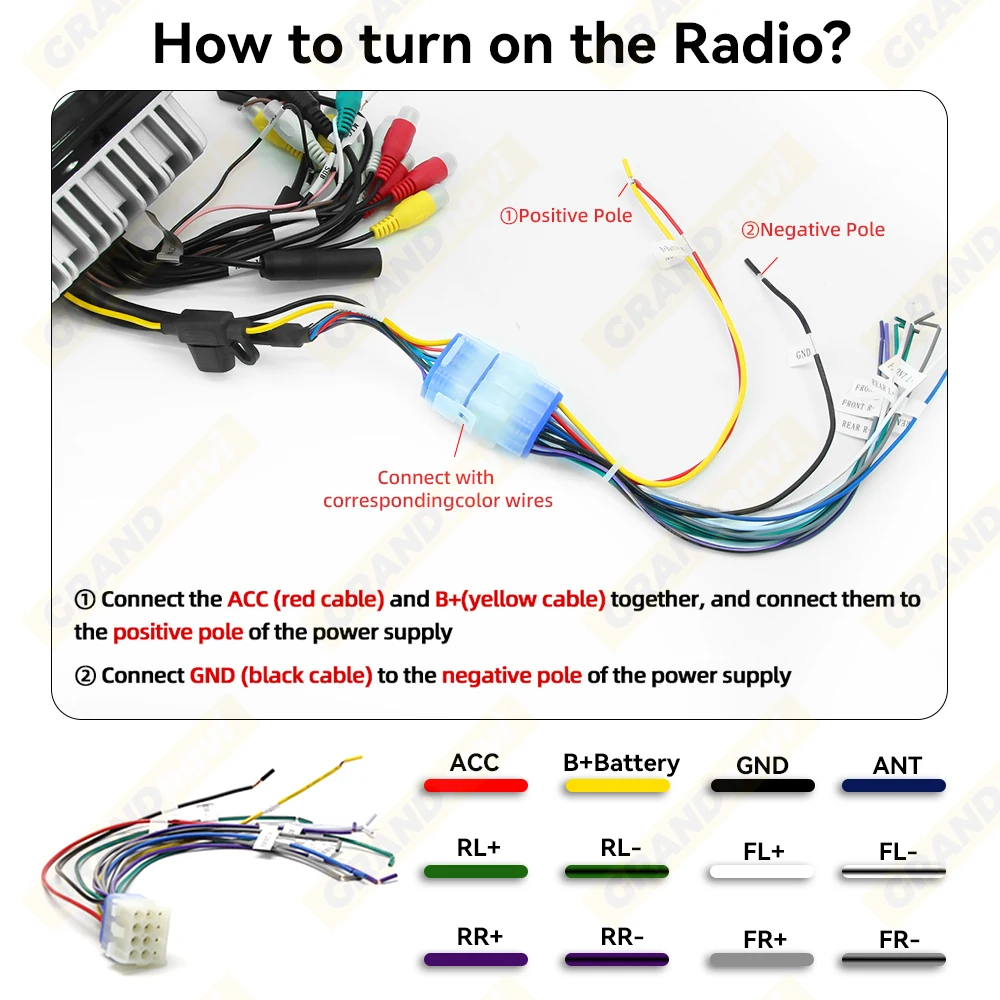
How to turn on the radio?
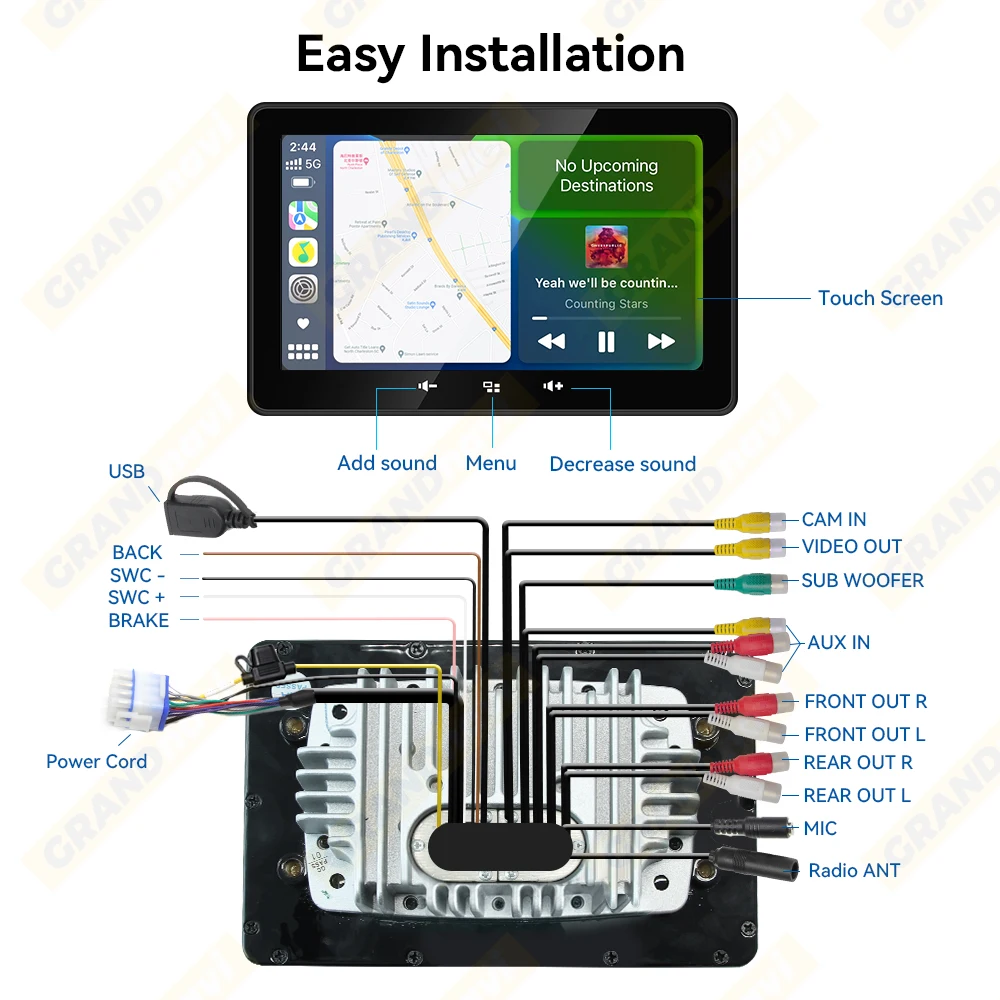
① Connect the ACC (red cable) and B+(yellow cable) together, and connect them tothe positive pole of the power supply
②) Connect GND (black cable) to the negative pole of the power supply
Support Wireless CarPlay &Android auto
Support Voice Assistantin via Carplay/Android Auto
Support FM/AM Radio,Support EQ
Support Bluetooth
IP67 Waterproof
Our radio power cord and connected interfaces are strictly waterproof, and even RCA interfaces that are not connected will be equipped with waterproof covers.
4*50W Power Output
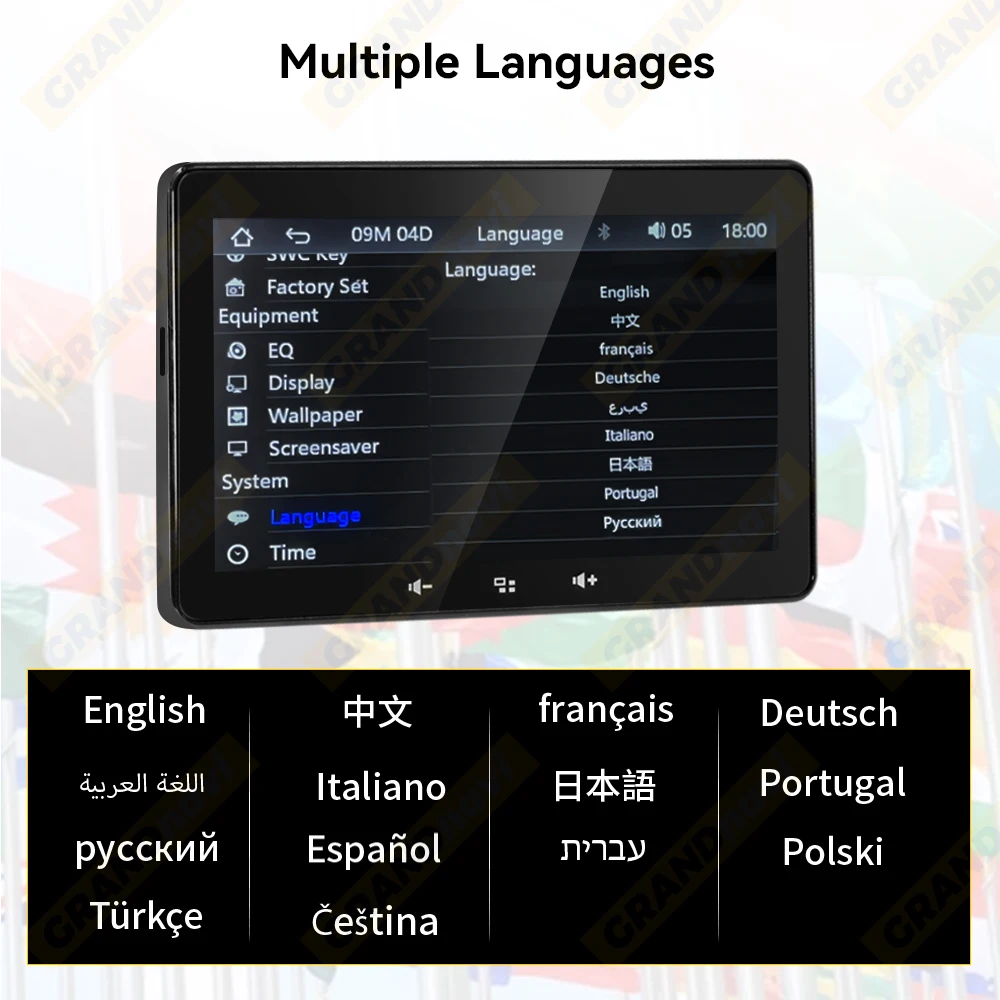
Support Multiple Language
English,francais,Deutsche,Italiano,Japanese,Portugal,PyccKn,Español
Support Rear Camera(Only Support CVBS480P)
Cable Definition
Packing List
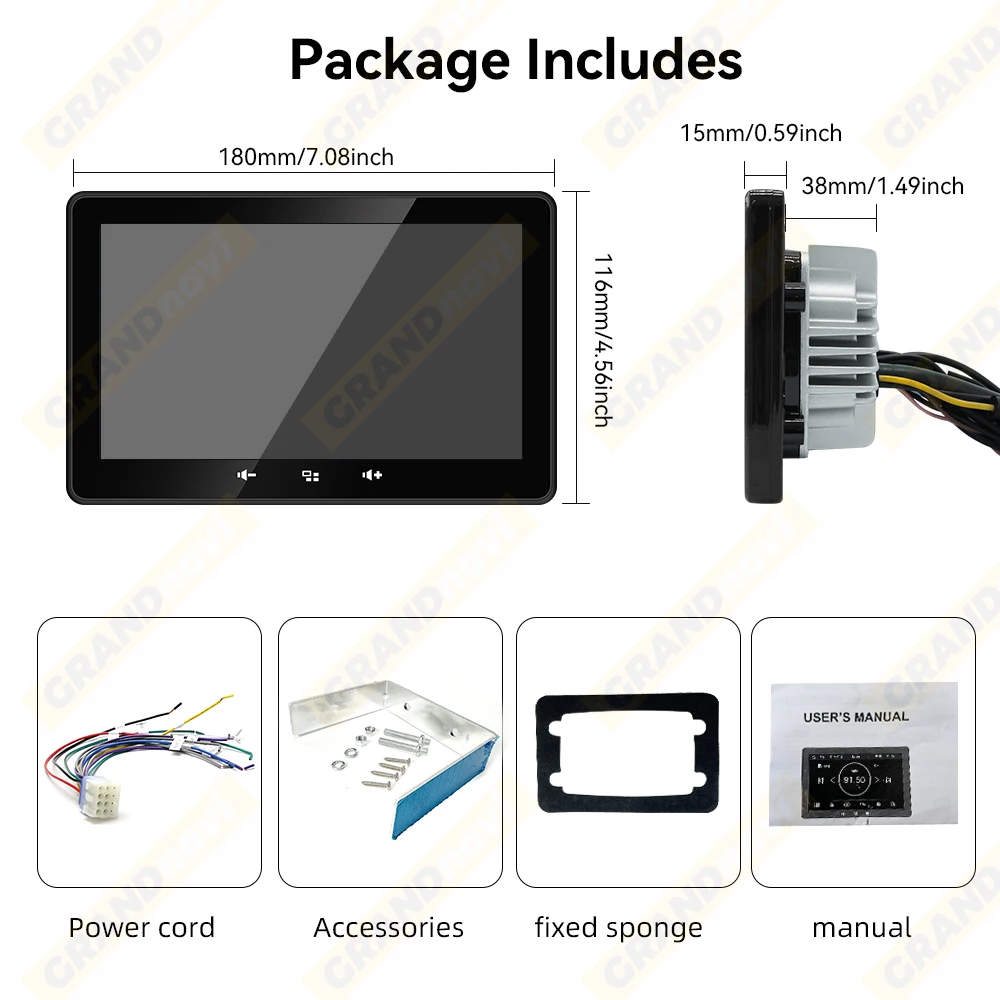
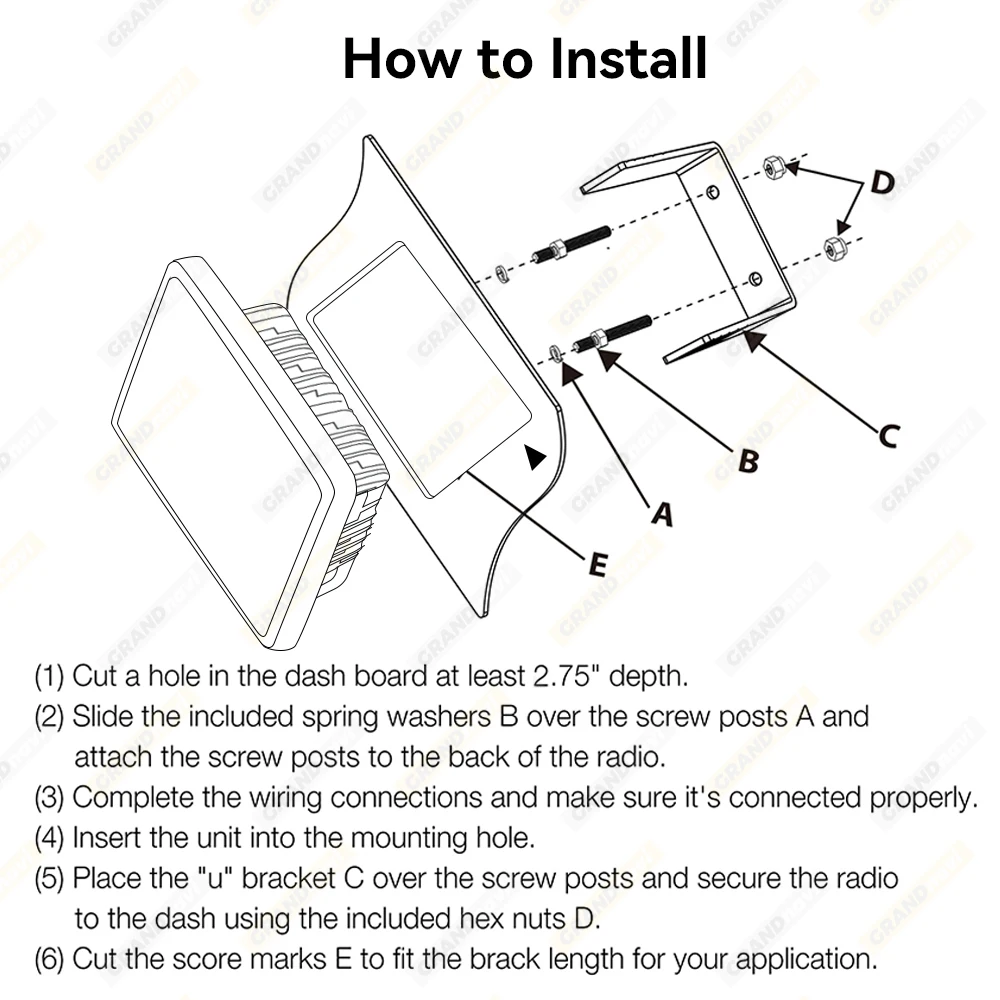
How to install?
(1)Cut a hole in the dash board at least 2.75" depth.
(2) Slide the included spring washers B over the screw posts A and attach the screw posts to the back of the radio.
(3)Complete the wiring connections and make sure it's connected properly